SSL Certificates Explained: What They Are & Why You Need One.
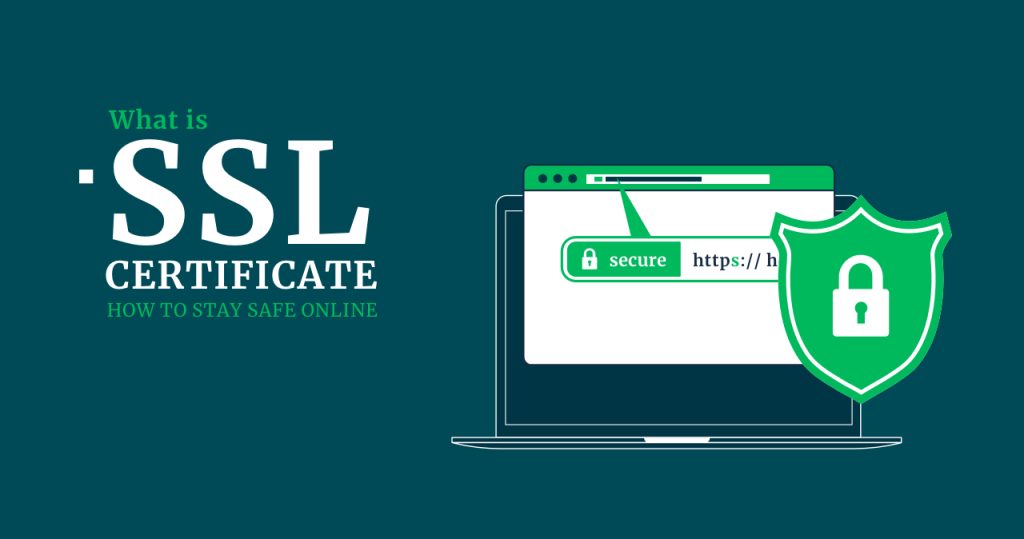
Have you ever noticed a little padlock icon next to a website’s URL in your browser? You probably have. But do you know what that padlock means? It signifies that the website is protected by an SSL certificate.
If you’ve ever wondered what is an SSL certificate or how does it work, you’re in the right place. In this ultimate guide, we’ll break down everything you need to know about SSL certificates, how they work, why they’re essential, and the different types you can choose from.
What Is an SSL Certificate?
SSL stands for Secure Sockets Layer, a security protocol that creates an encrypted connection between a web server and a browser. Originally introduced by Netscape in 1994 to secure online transactions, SSL certificates have become a standard for safeguarding data.
An SSL certificate is essentially a digital certificate that authenticates a website’s identity and enables an encrypted connection. When installed on a server, it activates the padlock icon and changes the URL from HTTP to HTTPS, signaling a secure connection.
Today, SSL certificates are widely used to protect:
- Data transfers
- Login credentials
- Online transactions
- Browsing on social media platforms
Although older versions of SSL had vulnerabilities, the modern protocol used today is called TLS (Transport Layer Security). However, the term SSL certificate is still commonly used.
How Does an SSL Certificate Work?
The main goal of an SSL certificate is to ensure that all data exchanged between a website and its visitors remains private and secure.
It does this using public key cryptography, which involves two keys:
- Public Key: Shared openly and used to encrypt data.
- Private Key: Kept secret and used to decrypt data.
Here’s how the process works (often called an SSL handshake):
- A browser attempts to connect to a website secured with SSL.
- The browser requests the server to identify itself.
- The server responds by sending its SSL certificate.
- The browser verifies the certificate’s authenticity.
- Once verified, the browser and server establish an encrypted connection.
- Secure data transfer begins.
This handshake happens in milliseconds, making it seamless for users.
Why Do You Need an SSL Certificate?
SSL certificates aren’t optional anymore—they’re a necessity for any website. Here’s why:
✅ Data Protection
They encrypt sensitive information like login credentials, credit card details, and personal data, keeping it safe from hackers.
✅ Authentication
SSL verifies your website’s identity, preventing imposters from creating fake versions of your site.
✅ Improved SEO
Google favors HTTPS-secured sites in its search rankings.
✅ Builds Trust
The padlock icon and HTTPS reassure visitors that your site is safe. Without SSL, browsers often label sites as Not Secure, which drives users away.
Types of SSL Certificates
When choosing an SSL certificate, it’s important to understand the different types available:
1. EV SSL (Extended Validation)
- Best for: High-profile websites and eCommerce platforms
- Features: Displays HTTPS, padlock, and your company name in the address bar
- Validation: Requires rigorous verification of your organization
- Cost: Most expensive but offers the highest level of trust
2. OV SSL (Organization Validated)
- Best for: Public-facing websites handling user data
- Features: Shows organization details in the certificate
- Validation: Moderate verification process
- Cost: Less expensive than EV SSL
3. DV SSL (Domain Validated)
- Best for: Blogs, portfolios, and non-transactional sites
- Features: Displays padlock and HTTPS but no organization info
- Validation: Simple verification of domain ownership
- Cost: Affordable and fast to issue
4. Wildcard SSL
- Best for: Securing a domain and unlimited subdomains
- Example:
*.yourdomain.comprotectsblog.yourdomain.com,shop.yourdomain.com, etc.
5. Multi-Domain SSL (MDC)
- Best for: Managing multiple websites under one certificate
- Example: Protects
example.com,mail.example.net,shop.example.org
6. UCC (Unified Communications Certificate)
- Best for: Microsoft Exchange and Office Communications servers
- Features: Can secure multiple domain names and subdomains
How to View an SSL Certificate
Want to check if a site is secured?
Click on the padlock icon in the browser’s address bar. You’ll see details like:
- The website it was issued for
- The issuing Certificate Authority (CA)
- Issue and expiry dates
- Encryption details
Final Thoughts
With cyberattacks on the rise, securing your website with an SSL certificate is more important than ever.
Now that you know what an SSL certificate is, how it works, and why you need one, you’re ready to take the next step toward securing your site and earning your visitors’ trust.
Whether you’re running a personal blog or an online store, investing in the right SSL certificate will safeguard your data and boost your credibility.
Category:Web Hosting